Special links
What are special links and protocol handlers?
Special links are links that open certain programs when clicking on them. For example, when you click on a link with an email address, it launches an email program and creates a message with this address as a recipient.
Special links use the following protocols:
mailto— for opening an email application;webcal— for adding events to a calendar.
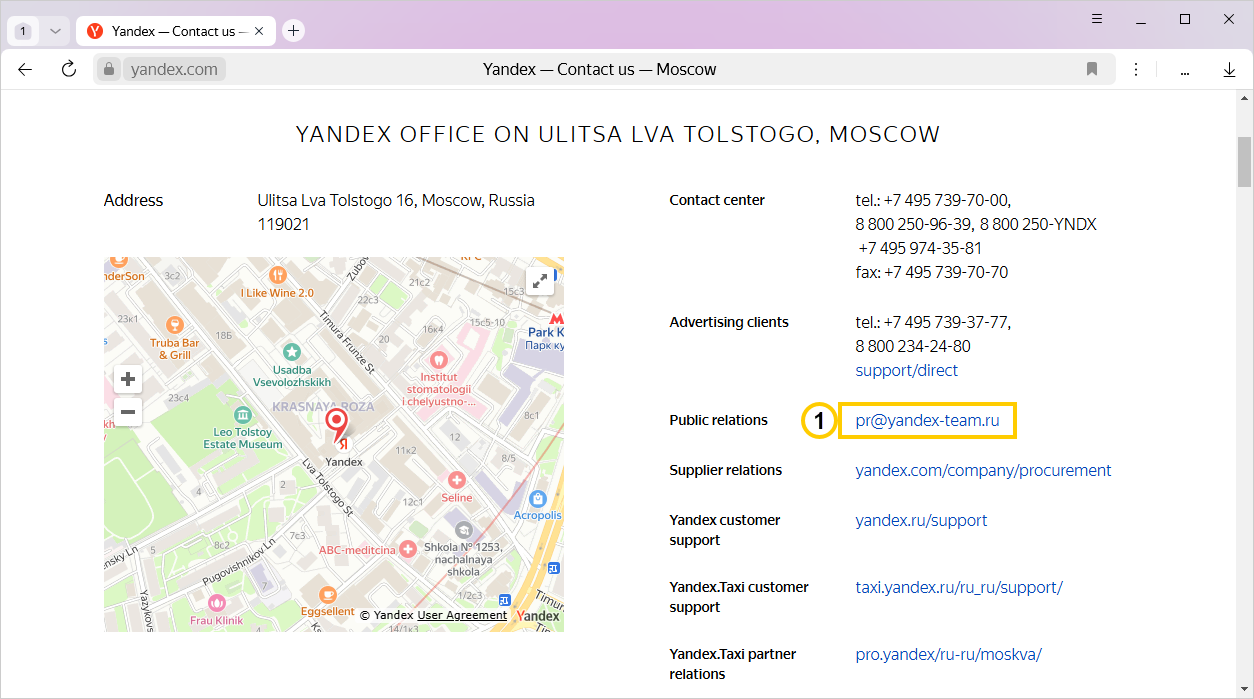
— Link to the main mailto protocol.
Protocol handlers are programs or web services that open when you click special links.
Protocol handlers
|
Protocol |
Program |
Web service |
|
|
Outlook |
Yandex Calendar |
|
|
Outlook, The Bat! |
Yandex Mail |
You can set the default web service for email and calendar in Yandex Browser.
Note
If you have not assigned protocol handlers, special links are handled by the programs set on your computer as the default program for mail or calendar.
Set Yandex Mail as the mailto protocol handler
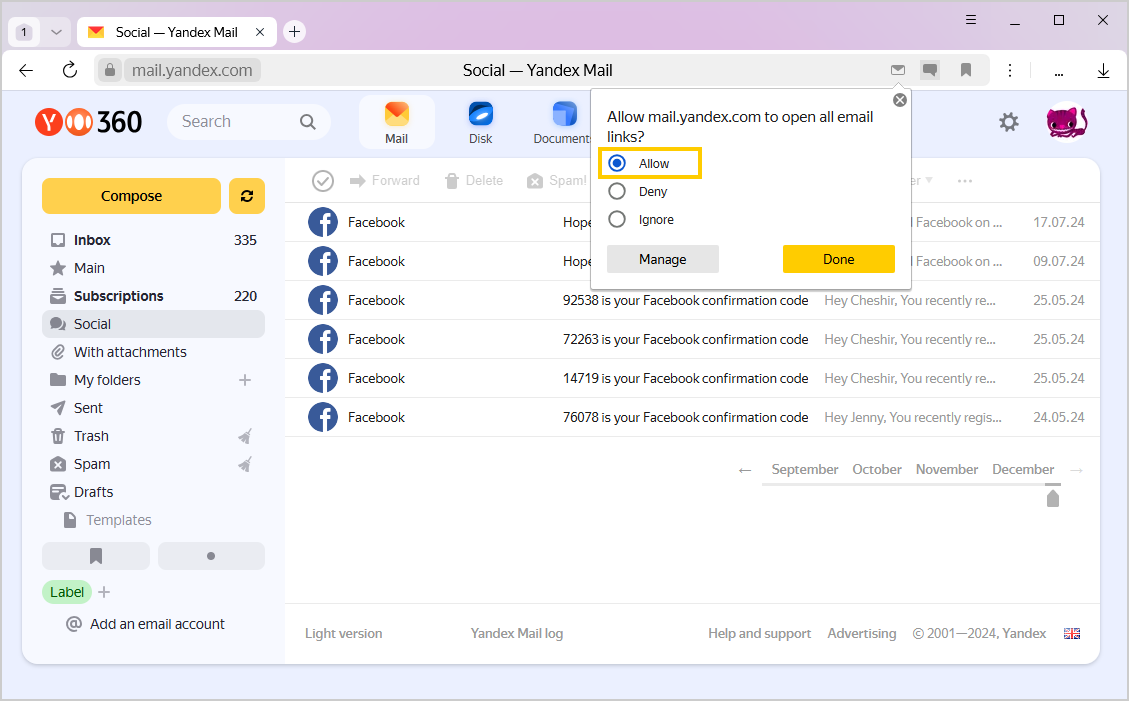
When you open Yandex Mail in Yandex Browser for the first time, it offers to make it your default protocol handler:
- On the right side of the SmartBox, click
 .
. - Select Allow.
- Click Done.
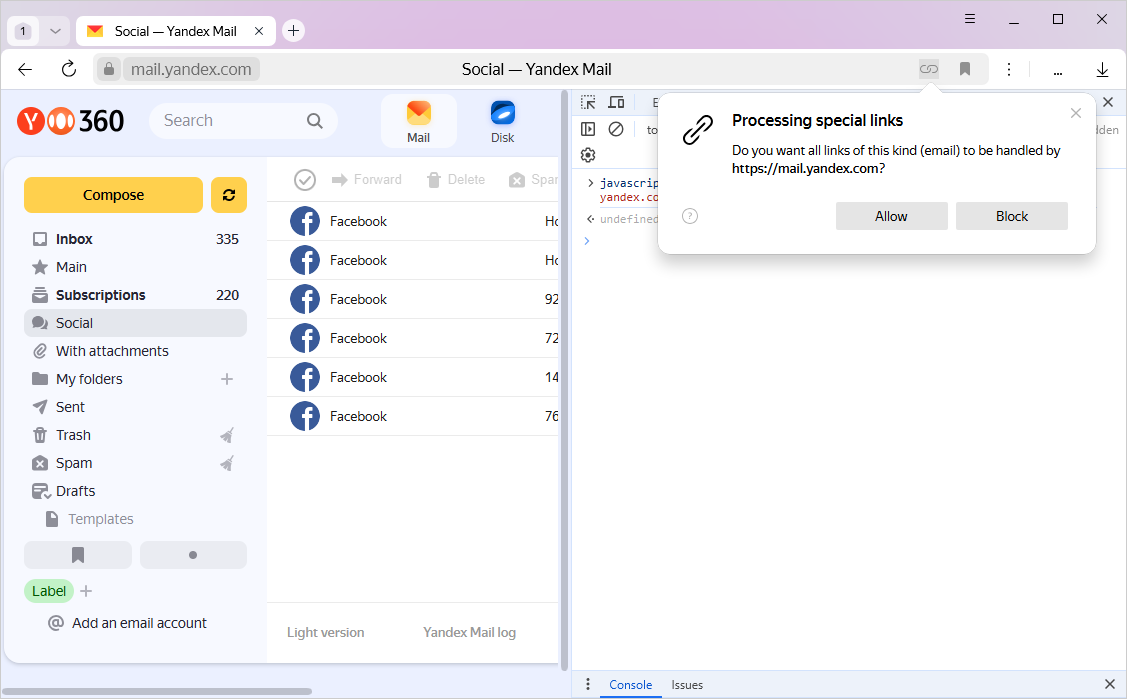
If there is no icon displayed to the right of the SmartBox, use the JavaScript console to assign Yandex Mail as the mailto handler:
-
Go to the Yandex Mail page.
-
Press Ctrl + Shift + J (for Windows and Linux) or ⌥ + ⌘ + J (for macOS) to open the JavaScript console.
-
In the console, enter the following command:
javascript:window.navigator.registerProtocolHandler("mailto","https://mail.yandex.com/?extsrc=mailto&url=%s","Yandex Mail") -
Press Enter.
-
In the pop-up window, click Allow.
-
In the system window that opens, specify the MAILTO protocol and select Yandex Browser as the default application.
Tip
Close the JavaScript console by clicking the  icon or pressing Ctrl + Shift + J (for Windows and Linux) or ⌘ + ⌥ + J (for macOS).
How can I set Yandex Calendar as the webcal protocol handler ?
-
Go to the Yandex Calendar page.
-
Press Ctrl + Shift + J (for Windows and Linux) or ⌥ + ⌘ + J (for macOS) to open the JavaScript console.
-
In the console, enter the following command:
javascript:window.navigator.registerProtocolHandler("webcal","https://calendar.yandex.com/?extsrc=webcal&url=%s","Yandex Calendar") -
Press Enter.
-
In the pop-up window, click Allow.
-
In the system window that opens, specify the WEBCAL protocol and select Yandex Browser as the default application.
Tip
Close the JavaScript console by clicking the icon or pressing Ctrl + Shift + J (for Windows and Linux) or ⌘ + ⌥ + J (for macOS).
How do I change the assigned protocol handlers?
To view the list of assigned protocol handlers:
-
Click → Settings → Websites.
-
At the bottom of the page, click Advanced site settings.
-
In the Protocol processing section, click Site settings.
A window will appear with a list of assigned handlers:
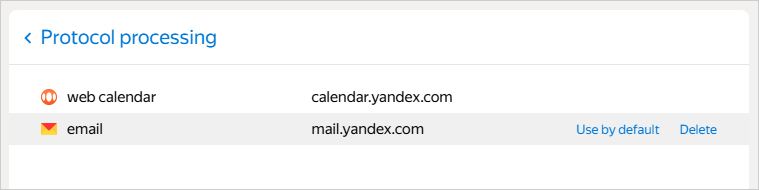
In this window, you can:
Set a service as a protocol handler
Hover your mouse over the handler and click Use by default.
Remove a protocol handler
Hover your mouse cursor over the handler and click Delete.
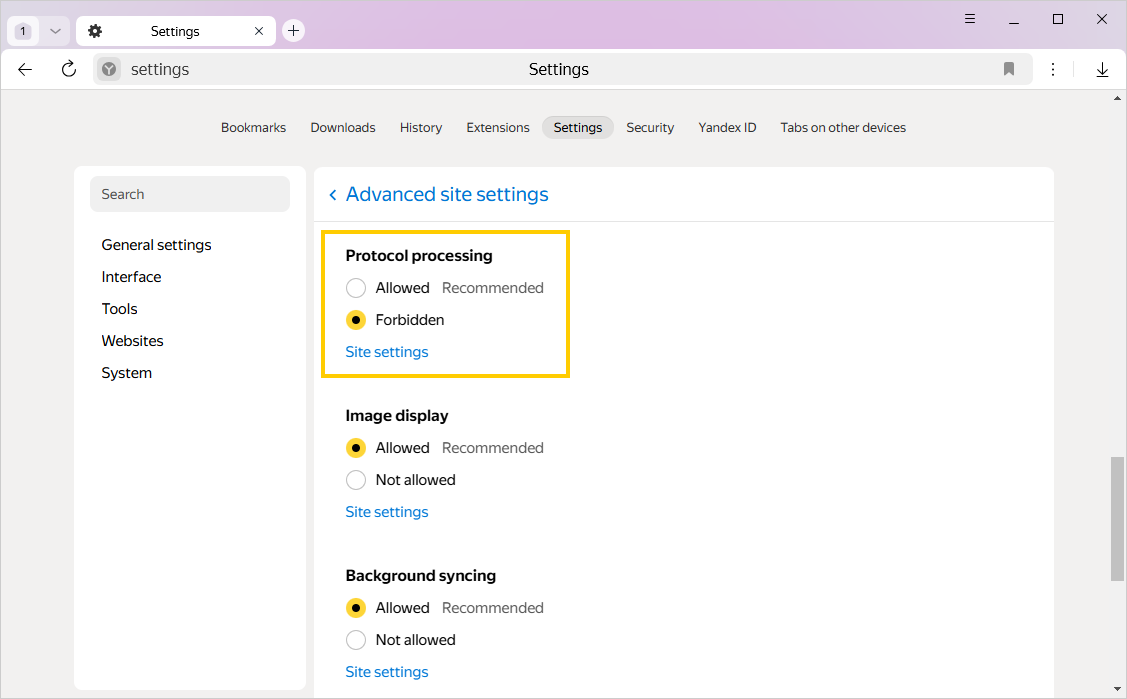
Prohibit protocol handling
If you do not want a program or web service to open when you click a special link, prohibit protocol handling on all websites:
-
Click → Settings → Websites.
-
At the bottom of the page, click Advanced site settings.
-
In the Protocol processing section, select Forbidden.
Send a link to page in an email
To send an email with a link to an open Yandex Browser page:
- Click in the SmartBox.
- On the right side of the SmartBox, click Share → Send via email. A new email opens with an embedded link to the page.
- Enter your recipient's email address and send the email.
This command works if the mailto handling protocol is assigned in the browser. To check if it is:
-
Click → Settings → Websites.
-
At the bottom of the page, click Advanced site settings.
-
Make sure that in the Protocol processing section, the Allowed option is enabled.
-
Click the Sites advanced settings link.
-
Make sure that the
mailtoprotocol is assigned as the email handler.
You can enter search queries in the address bar and Yandex Browser will understand what you need.