|
macOS users You're reading Help for the beta version of Yandex Browser, which isn't available for macOS. For information on Yandex Browser for macOS, see Help for the main browser version. |
Side panel
By default, the side panel is pinned to the left side of Yandex Browser (beta).
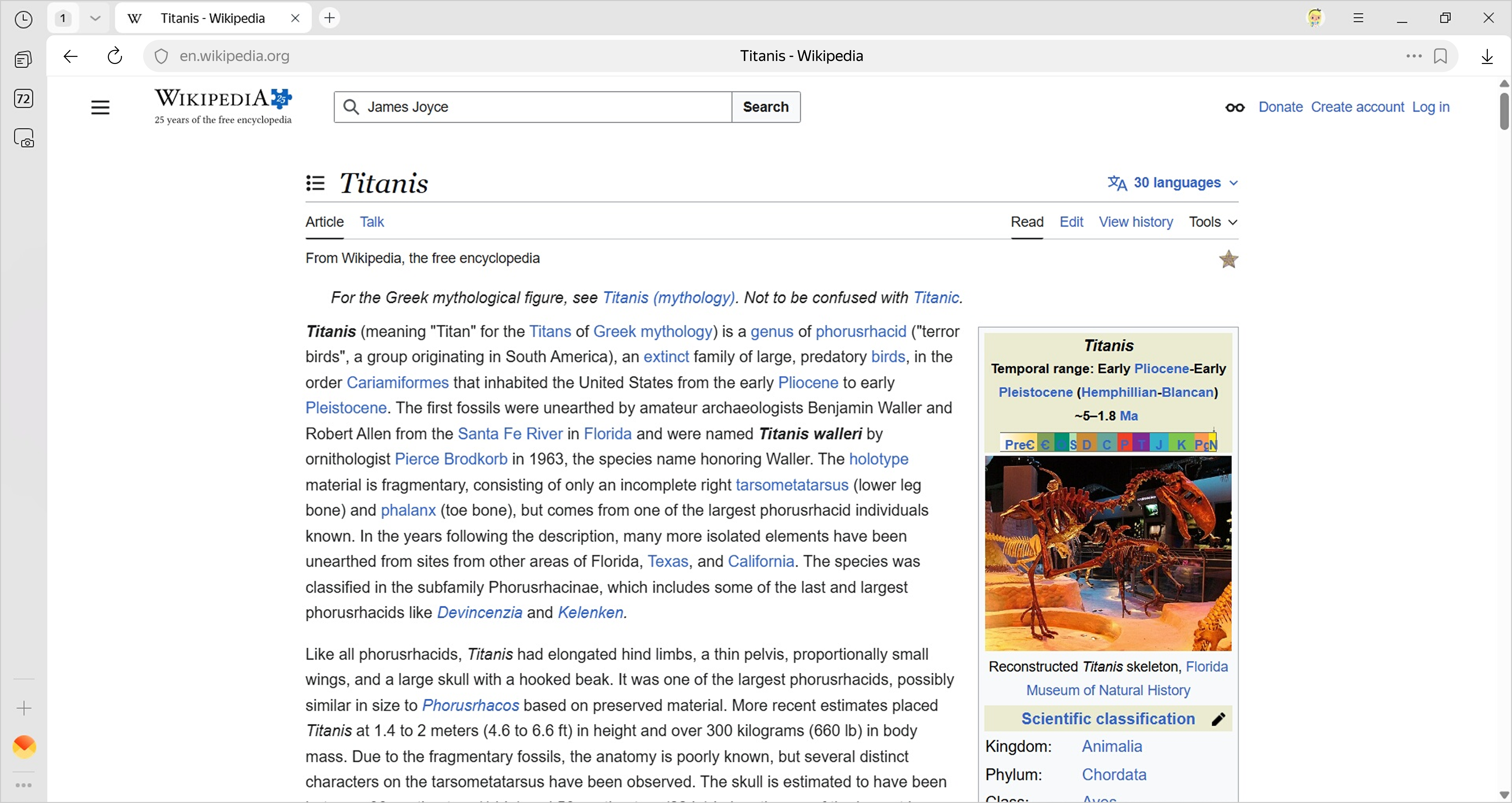
What's on the side panel:
-
— History.
-
— Notes, where you can save ideas and other important info.
-
— Manage music.
-
— Tab manager.
-
— Applications.
-
— Side panel menu.
Customize your side panel:
Enable
- Click → Settings → Interface.
- Under Side panel, select Show side panel.
Customize the display
-
Click → Settings → Interface.
-
Under Side panel, enable the following options:
-
Show side panel: The panel only appears when you hover over the left edge.
-
Pin when viewing sites: The panel always appears on the left.
-
Remove icons
-
Click → Tools.
-
Clear the checkbox for the icon you want to hide.
Note
You can't remove the button from the side panel.
Disable
- Click → Settings → Interface.
- Under Side panel, deselect Show side panel.